
Null’s Clash iOS
Null’s Clash For iOS is the best Private Server for Clash of Clans in 2026. Download IPA to play on iOS such as iPhone & iPad.
v18.400.7 | 442 MB || Updated on: 30 June 2026
New Update: New legendary leagues with generic improvements. Global chat will be available later in this version.
About Null’s Clash iOS
Null’s Clash is a private server that gives you unlimited resources from the very start and completely removes the waiting time and building time via its commands. Because in the Clash of Clans, as you reach higher Town Hall levels, the game slows down. Upgrading the base can take months. Collecting enough gold and elixir to upgrade buildings, heroes, and troops can consume a lot of time. But in NC, you can skip all of that to experience the maxed-out base instantly.
It’s easy on Android; however, installing it on an iOS device is not simple due to Apple’s strict security rules and closed OS. You have to use sideloading to install it. In this post, we will explain what Nulls Clash iOS is and how you can play safely, install & play on your iOS device
What is Nulls Clash iOS?
Nulls Clash iOS is an unofficial and modified version of COC. It doesn’t run on the official Supercell servers. Instead, it has its own dedicated private servers. It works exactly like the COC, just has unlimited resources like gems, elixir, gold, dark elixir, raid medals, etc., and commands that instantly upgrade the TH, troops, heroes, and buildings to their max level.
Nulls Clash IPA
Nulls Clash IPA is the specific app file required to install the COC private server on an iOS device. While Android users use the Nulls Clash APK file to install the game, iOS device users need to download the IPA file to sideload/install the app.

1 Million+
Downloads
500K+
Active Users
8+
Years of Updates
Screenshots
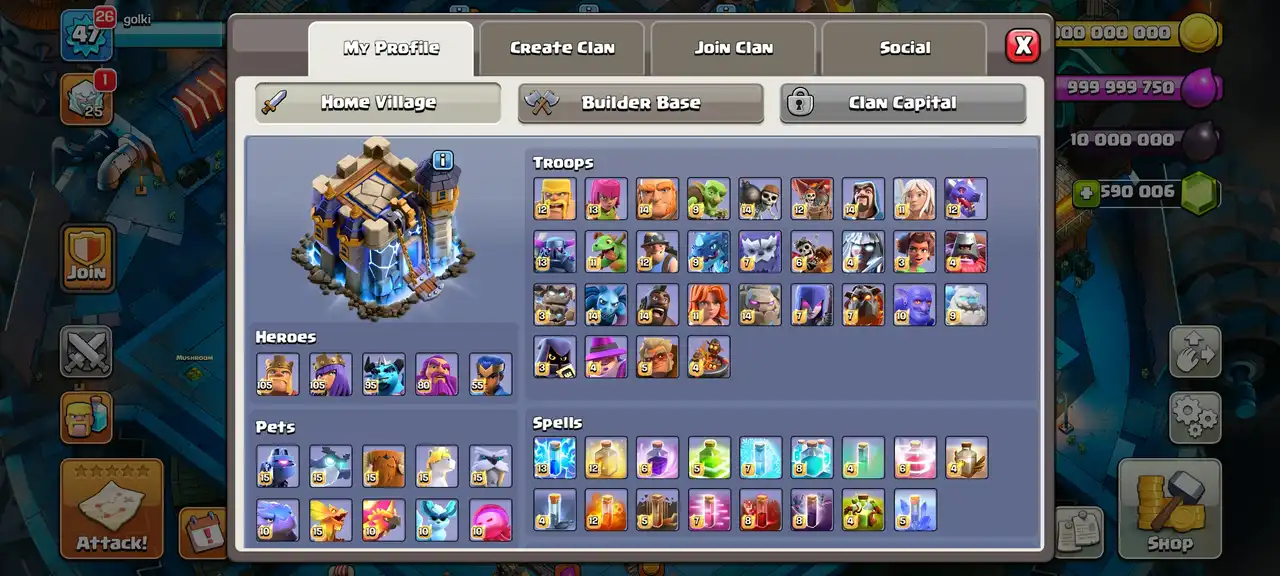
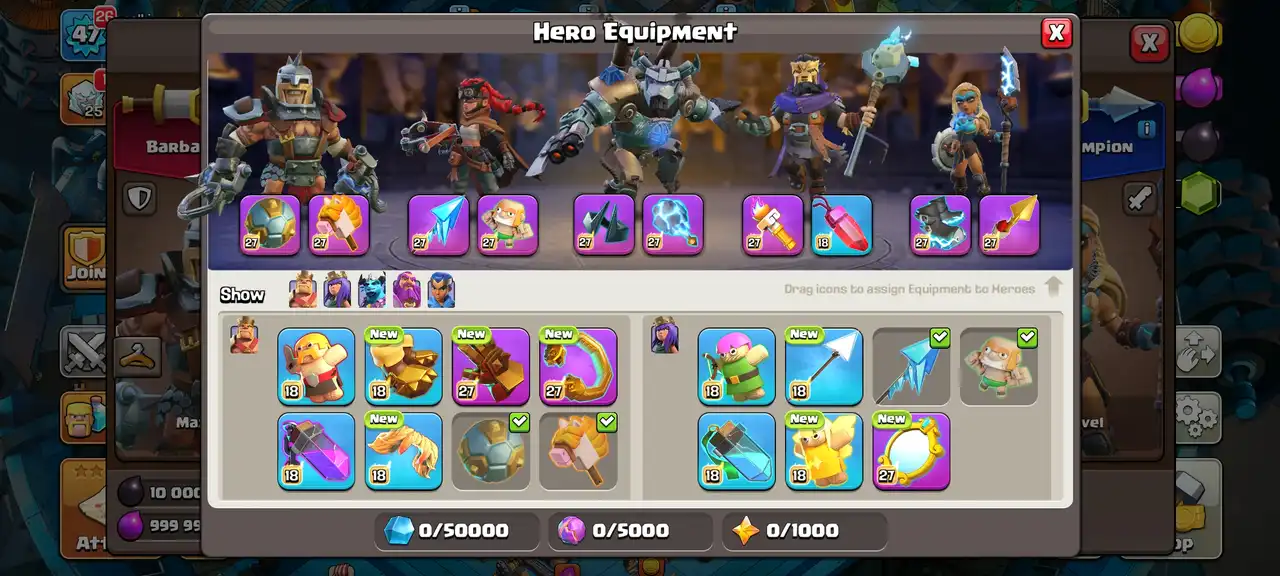
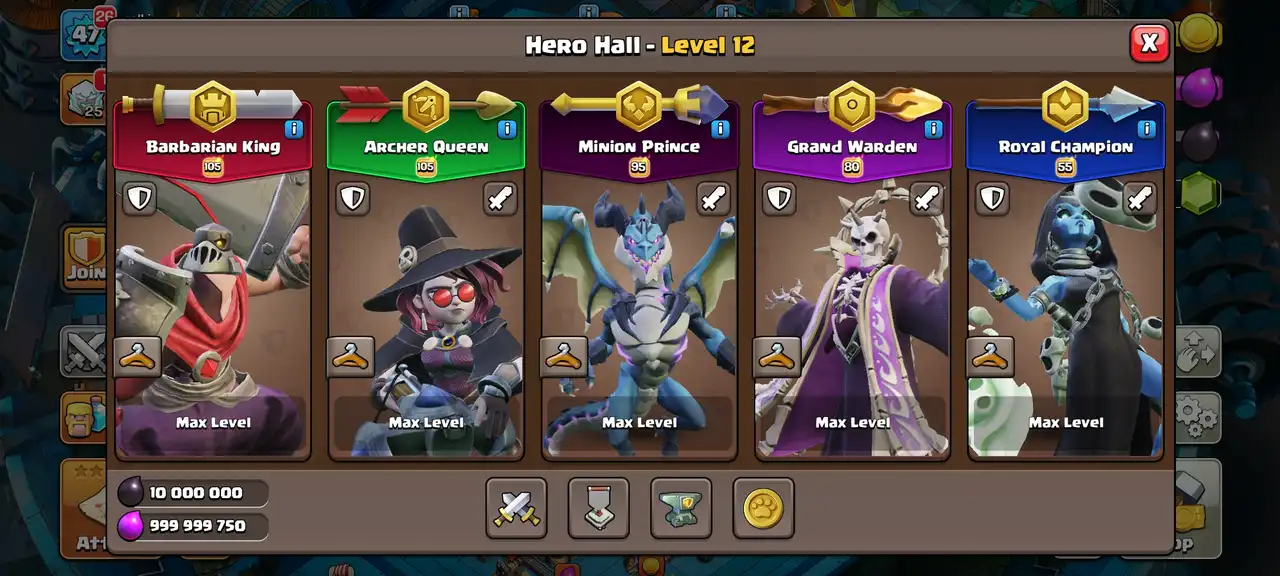
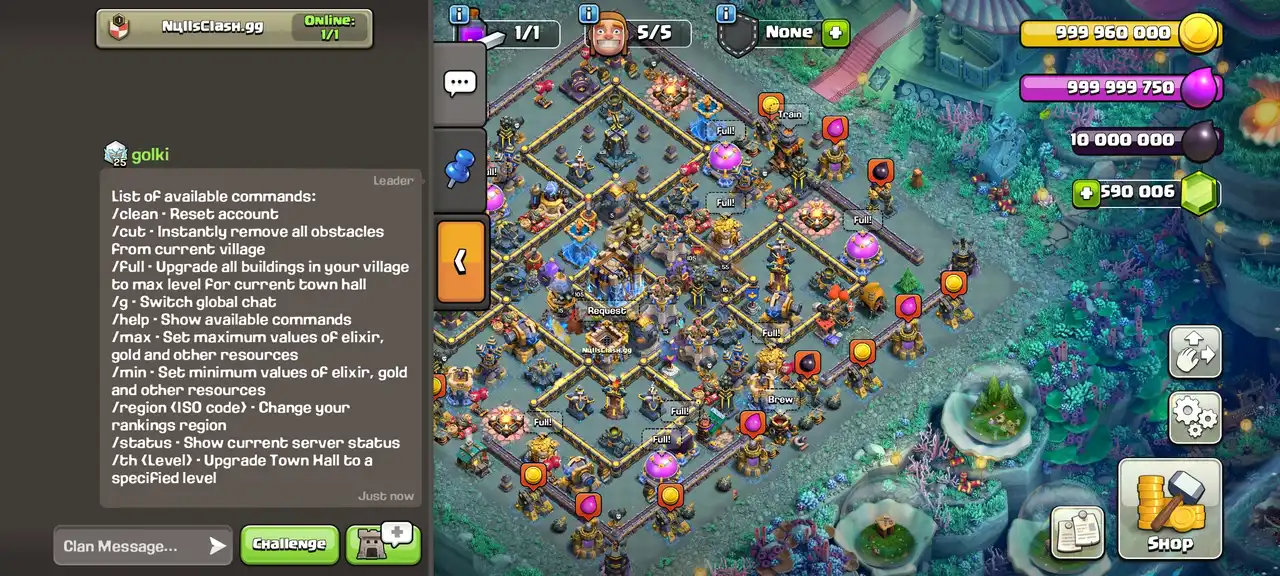
Here are some of the images of Null’s Clash for iOS:
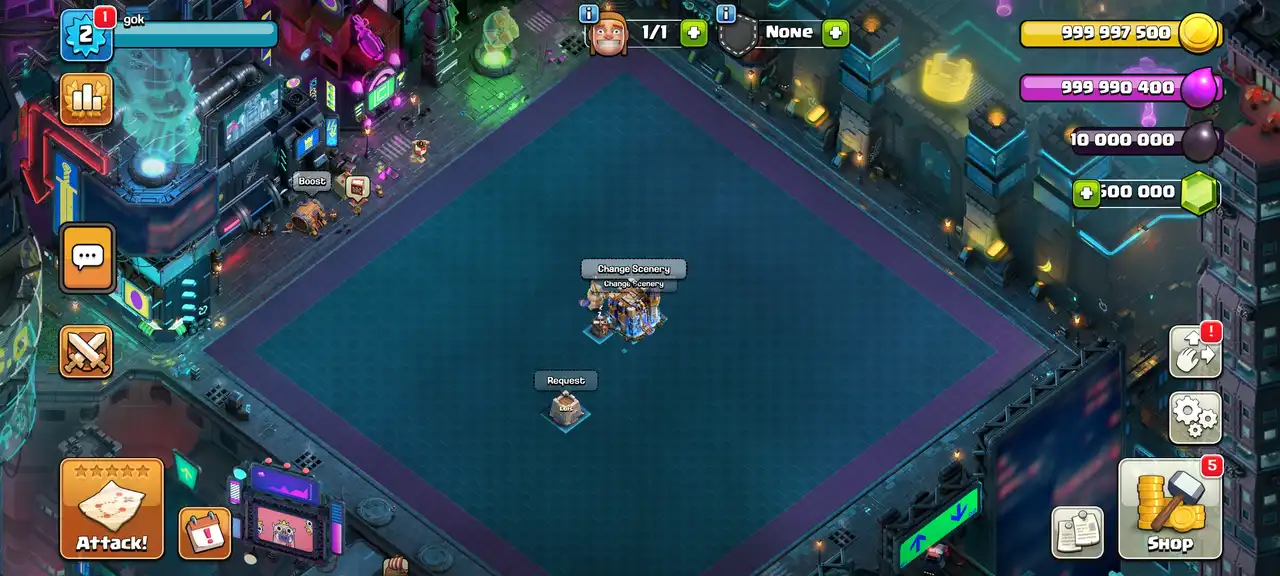
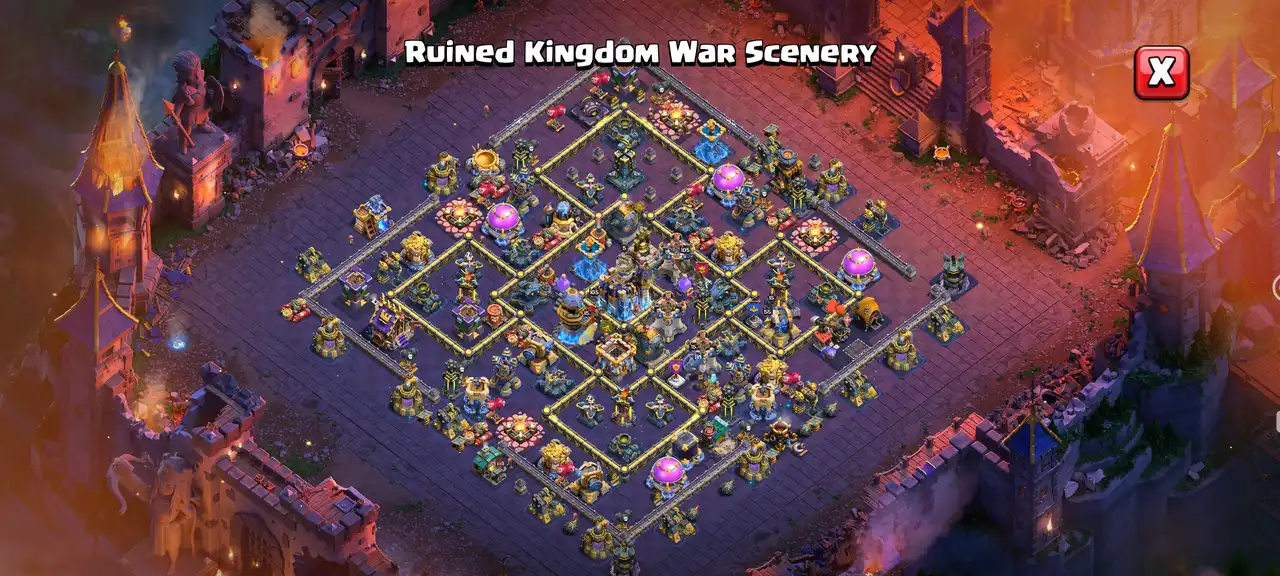
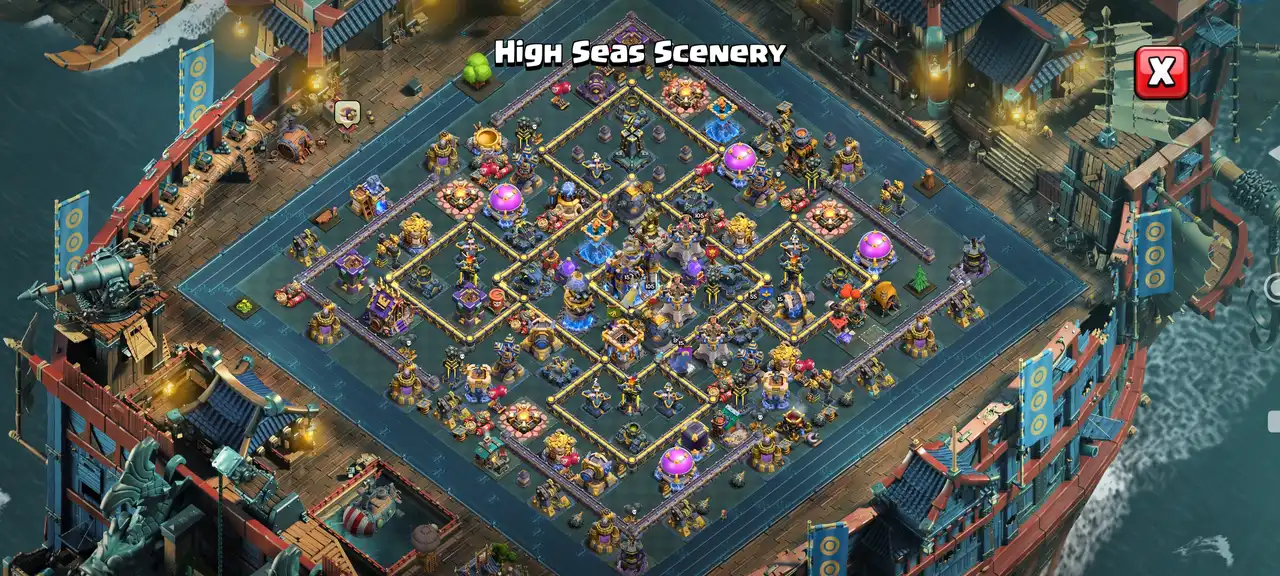


Features of Nulls Clash iOS
Here are the main features you get in the Nulls Clash iOS:
Unlimited Resources
You don’t need to search for the dead bases to loot ever again. You are getting unlimited resources here. Gold, elixir, and dark elixir are all unlimited. Moreover, gems are also unlimited. You can spend them anywhere, however you want, without worrying about running out of them. And if you somehow managed to run low, just type “/full” in the clan chat, and your storage will be full again, including gems.
Chat Commands
It comes with the slash commands that you can type in the clan chat to activate various features. For instance, you can type /full to instantly upgrade all of your buildings to their max level, or /clean to completely reset your base to start over. You can also switch the global chat region and ranking region using the /g and /region (ISO Code), respectively. There are also more commands with various functions. You can view the full list with the /help command.
Instant Upgrades
Firespitter level 3 takes 29 million gold and 15 days for the upgrade. That’s half a month. And there are so many other upgrades. That’s gonna take more than a month. However, you don’t have to wait for that long here for any upgrade. Here, you get features to instantly upgrade everything to the max level. Town Hall can also be maxed out even without building any buildings, unlike official COC, where you must buy all buildings before upgrading the Town Hall.
In the Events tab, you get two features – Town Hall for Free and Fast Village Upgrade. Using the ‘Town Hall for Free’ feature upgrades the Town Hall to the max level instantly without consuming any resources. There’s also no need to buy the buildings from the shop. And using the ‘Fast Village Upgrade’ feature upgrades everything like defense, walls, troops, heroes, equipment, pets, etc., to the max level allowed at the current Town Hall level.
Builder Base & Clan Capital
Just like the home village, you get unlimited resources for your Builder Base and Clan Capital, too. You can instantly upgrade your Builder Hall and unlock all the troops and defenses without waiting. For the Clan Capital, you are given unlimited raid medals. You can easily fill your CC without waiting for someone to come online.
Hero Skins & Scenery Unlocked
Tired of looking at the same old base? In Null’s Clash, all the hero skins and sceneries are unlocked for free. You don’t need to buy the Gold Pass or spend real money. You can equip skin for your Barbarian King, Archer Queen, Grand Warden, and Royal Champion. Whether you want to equip the legendary Magic set, the futuristic Cyber set, or the exclusive League skins, everything is available for free. You can also apply any scenery, from the Shadow Scenery to the Magic Theatre.
Installation Guide
We have two methods to install the Nulls Clash on iOS device. The first method is using Sideloadlu or AltStore with a PC, and the second method is using Scarlet on your iOS device without a PC. You can use any of these methods based on your preference.
This method requires a PC and is the safest way to install the game. We will use Sideloadly AltStore because its interface is very beginner-friendly.
If you don’t have a PC, you can use the Scarlet. Here are the steps:
Pros & Cons of Null’s Clash on iOS
FAQs
What is Nulls Clash IPA?
Nulls Clash IPA is the specific app file required to install the Clash of Clans private server on an iOS device. While Android users need the APK files, iOS users need the IPA file format to sideload and install the game on their iPhones or iPads.
Do I need to jailbreak my iPhone to install Nulls Clash?
No, you don’t need to jailbreak your iPhone. Sideloading methods work perfectly fine on non-jailbroken iOS devices.
How do I update the Nulls Clash?
You will need to download the latest Nulls Clash IPA file from our website and sideload it again using your preferred method (Sideloadly, AltStore, or Scarlet). Installing the new IPA over the old one will automatically update the game without you losing any of your progress.
Why does Nulls Clash crash immediately when I try to open it?
If the game crashes on startup or shows a “No longer available” message, your 7-day sideloading certificate has expired. You simply need to connect your device to your PC and refresh the app using Sideloadly or AltStore.
Do I need to uninstall COC to play Nulls Clash?
No, you don’t need to uninstall the COC. Nulls Clash installs as a completely separate app with its own package name. You can have both of them on your device.
Conclusion
Null’s Clash iOS gives you the freedom to test new attack strategies, play with maxed-out troops, and enjoy hero skins & sceneries for free without spending money and grinding for resources. Installing it on an iOS device takes more effort than on Android due to sideloading and the 7-day refresh rule, but the maxed-out Town Hall’s gameplay experience makes it totally worth it.